Text behind image
TBI
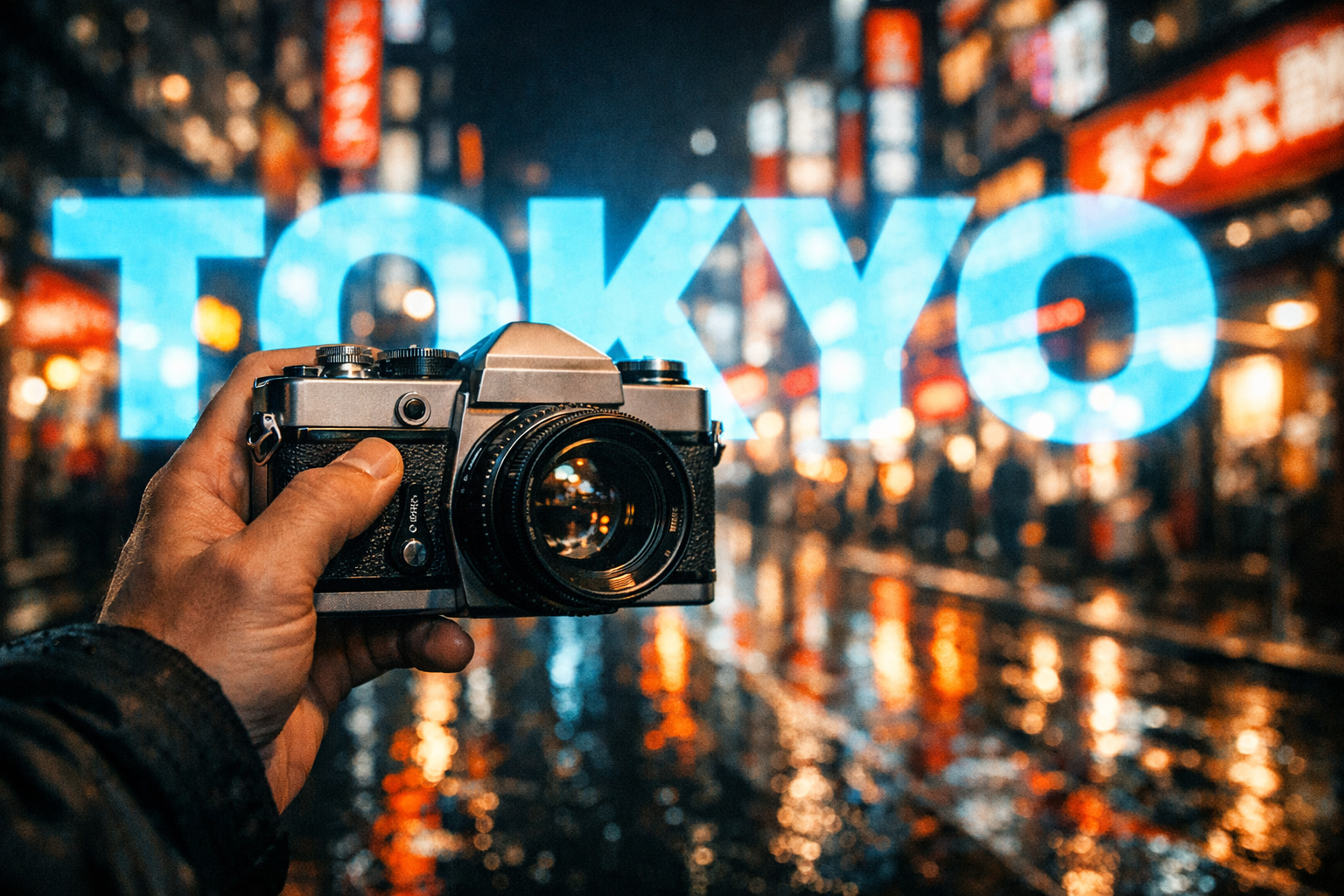
Place text behind
any subject
Upload a photo and our AI instantly separates the subject, letting you layer text behind it — like magic.
PNG, JPG, WebP · up to 20MB
How it works
Four simple steps
Upload
Drop in any photo with a clear subject
AI Detects
Subject is automatically separated from the background
Add Text
Position and style your text behind the subject
Download
Export in standard or full quality
Examples
See the effect in action
Text sits behind the subject, creating a striking layered visual effect

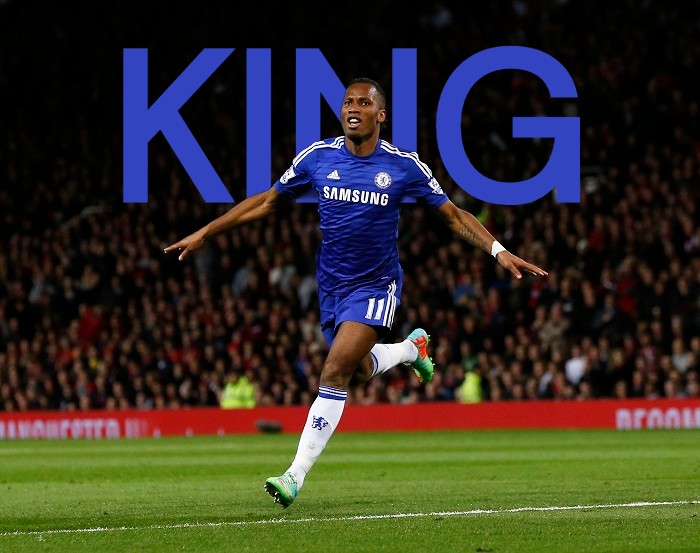

.png)
AI-Powered Subject Detection
Our AI automatically detects and separates the subject from the background — no manual masking needed. Runs 100% in your browser.
Complete Text Customization
Full control over font, size, color, opacity, rotation, spacing, and position. Drag to place your text exactly where you want it.
Two Free Download Options
Standard quality JPEG (1280px) for social media, or full-resolution lossless PNG for print and professional use.
Ready to create?
Upload an image and start designing in seconds. No account needed.